


You’ll see QR codes at many shops and restaurants in Vietnam, but whether you can use them depends on your payment app and the type of QR code displayed. Some visitors can pay with apps from their home countries, while others may need a service that supports international users.
This guide answers “Can Tourists Use QR Payments in Vietnam?” by showing which codes each app can pay, what it costs and how to pay safely, so you can set things up before you fly. It also explains why MoMo and ZaloPay are hard for short-stay visitors to open.
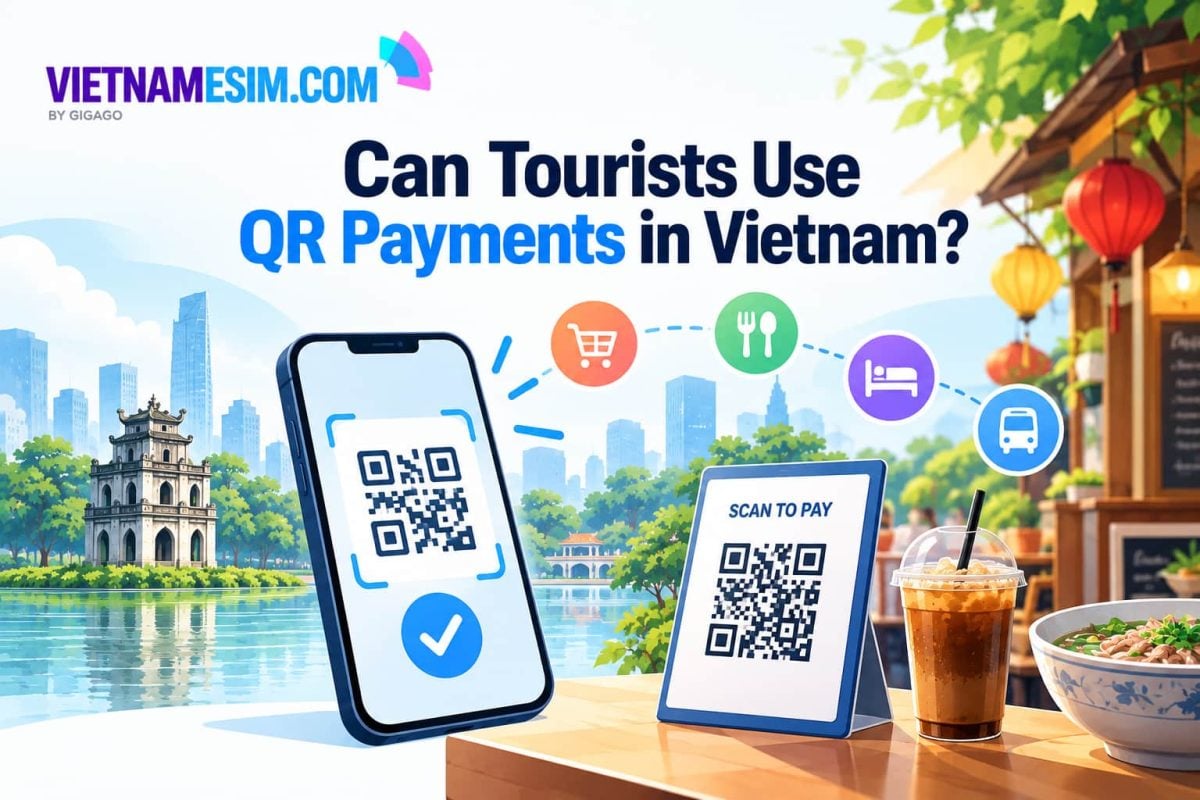
Can Tourists Use QR Payments in Vietnam?
Yes, tourists can use QR payments in Vietnam, but not every app works with every QR code. Your options depend mainly on where your payment app is from, which QR network it supports, and whether the merchant accepts that payment method.
- Visitors from China, South Korea, Singapore, Thailand, Laos and Cambodia: May be able to use participating payment apps from home at supported merchants.
- Visitors with an international bank card: Can consider VNPAY for eligible VNPAY-QR payments.
- Visitors who want to pay supported merchant codes linked to local wallets (VietQR, MoMo or ZaloPay merchant codes): Can consider Moreta Pay, subject to its fees and compatibility limits.
You do not need a Vietnamese bank account for every option. However, no single method is guaranteed to work everywhere, so carry Vietnamese dong and an international card as backups.
Which QR Codes Can You Pay in Vietnam?
Not all QR codes in Vietnam work with the same payment apps. The three types tourists are most likely to encounter are VietQR, VNPAY-QR and MoMo or ZaloPay codes.
| QR code type | What it does | Tourist payment options |
|---|---|---|
| VietQR | Usually transfers money directly to a Vietnamese bank account | Compatible cross-border apps or services such as Moreta Pay for supported merchant codes |
| VNPAY-QR | Processes payments through the VNPAY merchant network | VNPAY and other eligible participating apps |
| MoMo or ZaloPay | Processes payments through Vietnamese e-wallets | Moreta Pay for supported merchant codes |
Not every app supports every code, even when the QR logos look similar. A foreign Visa or Mastercard also cannot normally pay a personal Vietnamese bank transfer QR code directly. Check that your app supports the specific code before confirming a payment.
Can You Use Your Home Country’s QR Payment App?
Yes, travelers from some Asian countries can use participating payment apps from home at Vietnamese merchants connected to compatible cross-border QR networks.
| Country | Examples of participating apps or networks |
|---|---|
| China | UnionPay, Alipay and Weixin Pay (WeChat Pay), plus participating partner bank apps |
| South Korea | GLN network apps, including Toss and Hana Bank apps |
| Singapore | Participating apps on Liquid Group’s RoamQR network, such as LiquidPay |
| Thailand | Participating banking apps connected through PromptPay |
| Laos | Participating banking apps on the LAPNet network |
| Cambodia | Bakong and participating banking apps, including ACLEDA’s KHQR |
Not every app or merchant participates in these networks. Before traveling, check which Vietnamese QR codes your app supports and whether your bank or wallet charges foreign transaction fees.
What If Your QR Payment App Does Not Work?
If your home-country app does not work, consider VNPAY if you have an eligible international card and the merchant accepts VNPAY-QR. Moreta Pay is another option for supported VietQR, MoMo and ZaloPay merchant codes, subject to its fees and limitations.
Can You Use VNPAY With a Foreign Card?
Yes. International visitors can register for VNPAY and link an eligible Visa, Mastercard, JCB or American Express card to pay participating merchants displaying VNPAY-QR codes.
The registration process involves providing an international phone number, passport details and an email address, then linking an eligible card and completing verification.
VNPAY should not be treated as a way to pay every Vietnamese bank QR code. Some merchants may display only a personal bank transfer code, which the tourist service may not support.
Check the payment screen for any merchant fee before confirming. Your card issuer may also charge a foreign transaction fee.
How Does Moreta Pay Work In Vietnam?
Moreta Pay lets users pay supported Vietnamese merchant QR codes using a balance held in US dollars. It can support eligible VietQR, MoMo and ZaloPay merchant codes.
You need to verify your identity and add money to your account before paying. Published fees include:
- Vietnam QR payments: 1.5% per payment.
- Card top-ups: 2.5%.
- Bank transfers: Free above specified minimum amounts, depending on the transfer method and currency.
Moreta Pay’s published Vietnam limits are VND 50 million per payment and VND 160 million per week. Check the app for current fees, limits and supported funding methods before adding money.
Moreta Pay is intended for supported merchant codes; do not assume that it will work with a QR code linked to an individual’s personal bank account.
| eature | VNPAY | Moreta Pay |
|---|---|---|
| Payment source | Linked international card or supported payment flow | Preloaded US dollar balance |
| Main QR support | VNPAY-QR | Eligible VietQR, MoMo and ZaloPay merchant codes |
| Main fees to check | Possible merchant card fee and card issuer fees | 1.5% per QR payment; 2.5% for card top-ups |
Can Tourists Use QR MoMo or ZaloPay in Vietnam?
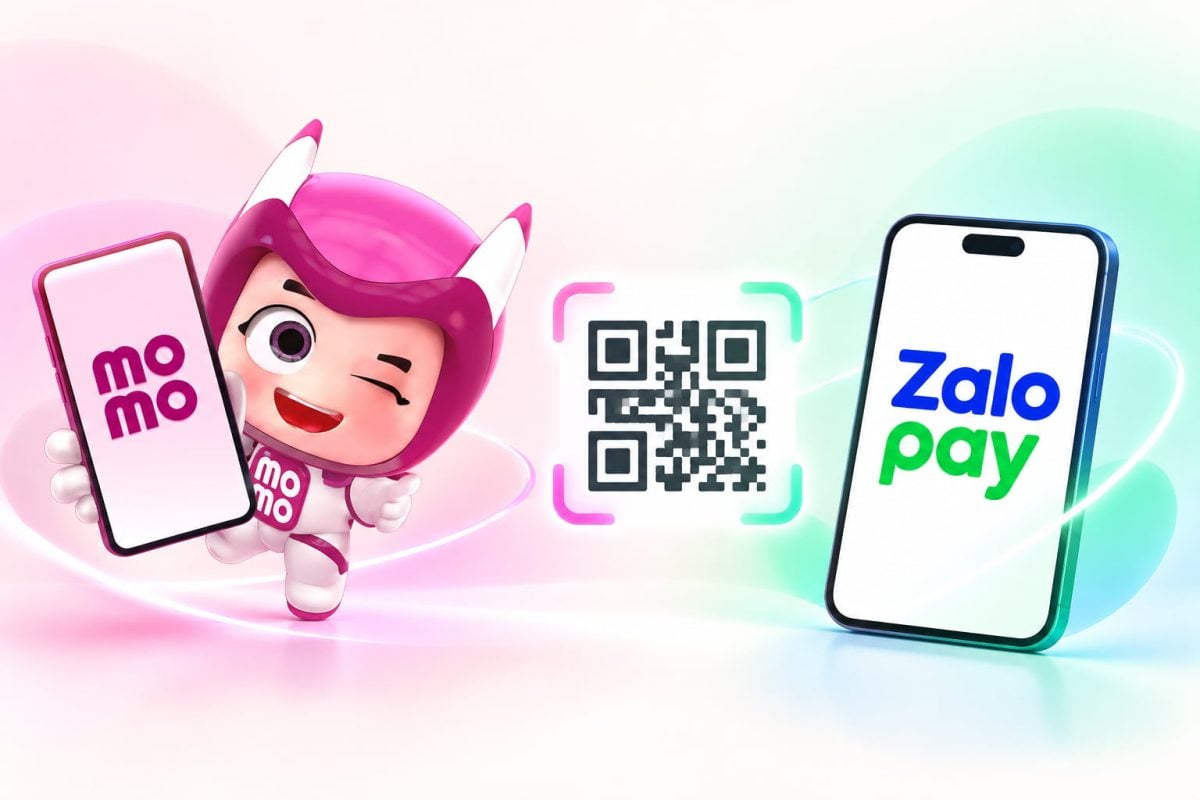
Most short-term tourists may find it difficult to use MoMo or ZaloPay because setting up a fully functional wallet can require identity verification and a Vietnamese bank account. Registering with a passport alone may not be enough.
Both apps may also require a phone number they accept. A Vietnamese number included with a travel eSIM from Vietnamesim.com is not guaranteed to work for banking or wallet verification, so travelers should not buy an eSIM solely to register for these services. Our guide on whether you need a Vietnamese phone number explains when a local number does help.
For a short visit, a supported international QR payment app or another payment method is usually a more practical choice than relying on MoMo or ZaloPay.
How Can You Pay QR Codes Safely in Vietnam?
The safest way to pay by QR is to check the recipient’s name and the amount before confirming the transaction. If the details do not match the shop, ask the cashier to verify the code.
Follow this checklist:
- Check for altered QR stickers. A fake code placed over the original may redirect your payment.
- Verify the amount. Static QR codes may require you to enter the price yourself. Check the zeros before paying.
- Avoid paying twice. If a transaction shows an error, check your payment history before trying again.
- Avoid suspicious links. Close unexpected websites asking for passwords, card details or one-time codes.
- Keep proof of payment. If money leaves your account but the payment fails, save a screenshot and contact your payment provider.
What Should You Carry as Backup?
Tourists should keep some Vietnamese dong and an international payment card available, even when they plan to pay by QR code. Some small vendors accept only cash, while others may display QR codes that a visitor’s payment app cannot process.
- Cash in Vietnamese dong: Cash is useful for buying street food, shopping at local markets and paying at small shops. Notes of VND 10,000–50,000 are convenient for everyday purchases.
- An international debit or credit card: A foreign card is a practical alternative at hotels, supermarkets and larger restaurants that accept card payments.
- Apple Pay or Google Pay: Travelers whose banks and devices support these services can use them for contactless payments at compatible terminals. However, they cannot scan and pay every Vietnamese bank transfer QR code.
Before leaving home, travelers should also check whether their banks allow overseas transactions and charge foreign transaction fees.
How Can You Prepare for QR Payments Before Traveling to Vietnam?
Before your trip, take a few minutes to check the following points so you can use your payment app more confidently and avoid common problems in Vietnam.
- Set up your payment app: Confirm that your home-country app supports QR payments in Vietnam, or register for a suitable alternative before your trip.
- Check fees and exchange rates: Review any payment, currency conversion and top-up fees before linking your card or adding money to a wallet.
- Keep your home phone number accessible: Your bank may send one-time verification codes by SMS. If you plan to use a travel eSIM, make sure you can still receive important messages on your home number.
- Arrange mobile data: You may need an Internet connection to open your payment app and complete a transaction. A Vietnam travel eSIM can help you stay connected when Wi-Fi is unavailable.
- Prepare a backup payment method: Keep some Vietnamese dong and an international card available in case a merchant does not accept your app.
For more information about staying connected during your trip, see our guide to mobile internet in Vietnam.